Amazon Business How-To
Walkthroughs for the moments people actually search: getting in, setting up, moving up, and getting out.

Have these ready before you start anything
- A business name, address, and tax identification number
- A valid business email address, which Amazon verifies
- A valid business credit card or other payment method
- Email addresses for any additional users you want to invite
Every walkthrough in this section opens with prerequisites rather than step one, because in our reading of Amazon's own documentation that is consistently where people get stuck. The forms are short. Finding the tax identification number at 4pm on a Friday is the part that takes an afternoon.
Getting in
How to create an Amazon Business account is the full registration walkthrough. It costs nothing — there is no signup fee and no monthly charge — so the only thing standing between you and a business account is having the four items above to hand.
One decision worth making before you begin: register a new account with a business email rather than converting the personal one you already use. Converting is the single most common cause of business and personal orders getting tangled, and it is much easier to avoid than to unpick.
If you are not certain you want one yet, the honest version of that question is on is an Amazon Business account worth it — including the cases where our answer is no.
Moving up
How to upgrade to Business Prime covers buying a paid tier from an existing account. The mechanics are easy; picking the right tier is not, and getting it wrong is expensive because Amazon bills annually.
Headcount does most of the deciding. The seat caps are 5, 20 and 200 across Essentials, Small and Medium, and they are cliffs rather than a sliding scale — one user over a cap forces the entire next tier. Before upgrading anything, check the arithmetic on is Business Prime worth it, because a large share of upgrades are bought for features that are already free.
Getting out
How to cancel Business Prime exists for two reasons. The obvious one is that people need it. The less obvious one is that knowing the exit removes the main objection to trying a paid tier at all — it is much easier to start a free trial when you already know how it ends.
The critical thing that page covers: canceling the membership is not the same as closing the account. Drop Business Prime and the free tier underneath keeps business pricing, quantity discounts, multi-user access, approvals, reporting and tax exemption. People regularly cancel more than they meant to.
Setting the account up properly
Three walkthroughs cover the configuration people usually postpone and then regret. Adding users covers the three invitation routes and the roles to set before anyone orders. Enrolling in tax exemption is the highest-value free thing an exempt organization can do, and the one with the most documentary failure modes — when a certificate comes back refused, or an order is taxed anyway, fixing a rejected tax exemption certificate works through every published cause. Applying for Pay by Invoice explains why there is no application form at all.
Two more cover decisions that are hard to reverse. Converting a personal Amazon account is the one to read before you click, because Amazon's own policy hands your pre-conversion order history to whoever administers the account. Closing a business account has a five-user ceiling and deletes order history tied to shared payment methods. For larger organizations, setting up single sign-on is where the leaver problem gets solved.
A note on screenshots and steps
Amazon changes its interface, and a walkthrough describing buttons that have moved is worse than no walkthrough. So these pages describe the path and the decision at each stage rather than promising a pixel-accurate match, they cite Amazon's own help pages so you can check the current version, and they carry the date we last reviewed them. Our methodology page publishes the re-verification cadence — signup steps get re-checked twice yearly, and sooner if Amazon changes the interface.
The walkthroughs
Each one leads with prerequisites, because that is where these processes actually stall.

Create an account
The full signup walkthrough, prerequisites first so you do not stall midway.

Upgrade to Business Prime
Moving from the free account to a paid tier, and picking the right one first time.

Cancel Business Prime
How to cancel or downgrade, what Amazon says about refunds, and the option most people miss.

Add users
Invite 20 at a time, by link or by spreadsheet — and set the role before they buy anything.

Enroll in tax exemption
The ATEP wizard end to end, with the document check that decides whether it works.

Fix a rejected exemption
Refused certificate, or taxed anyway? The four checks Amazon runs, and the refund route.

Convert a personal account
It works — and it hands your entire personal order history to whoever runs the account.

Close a business account
Five users or fewer, balances cleared, and a report saved — in that order.
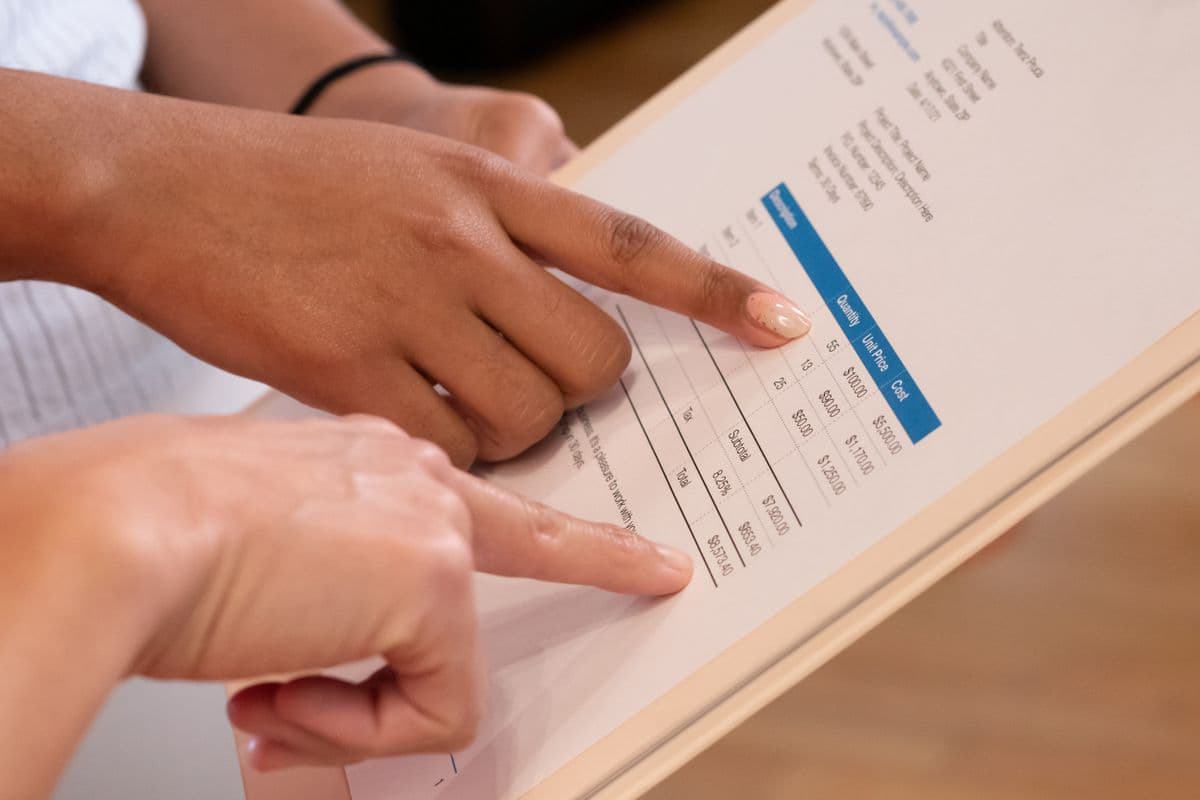
Apply for Pay by Invoice
It is invitation-only and assessed at registration. What to do if the invitation never arrives.
Set up Single Sign-On
SSO through your identity provider, plus SCIM auto-provisioning on Okta and Azure.

Log in
Which account you land in, why the password works but the catalog is wrong, and the switch that fixes it.

Contact customer service
The route Amazon actually publishes, what it will ask you for, and which problems it cannot solve.

Join an existing account
Your employer already has an account. Here is how you get onto it without losing your personal orders.

Change the administrator
Promote first, remove second. The order matters, because only an administrator can appoint one.

Switch back to personal
Switching, unlinking and closing are three different things. Only one of them gives you a personal account back.
Bulk & Business is independent and not operated by Amazon. Links to Amazon on this page are affiliate links — we may earn a commission if you sign up, at no cost to you, and it never changes what we recommend. Full disclosure.
Plans and prices verified against Amazon on August 11, 2026. How we check.
Common questions
How do I create an Amazon Business account?
Register at Amazon Business with your business name, address and tax identification number, a business email address Amazon can verify, and a payment method. You then invite any additional users by email with per-user permissions.
How do I upgrade to Business Prime?
Business Prime is bought from within an existing Amazon Business account. The main decision is which tier, and headcount usually settles it — the seat caps are 5, 20, 200 and unlimited across Essentials, Small, Medium and Enterprise.
How do I cancel Amazon Business Prime?
Cancel the membership from the Business Prime settings in your Amazon Business account. Canceling the membership does not close the account — the free tier underneath keeps business pricing, multi-user access, approvals, reporting and tax exemption.
How long does it take to set up an Amazon Business account?
Amazon does not publish a processing time for the account overall, and the registration form itself is short. In practice the delay is gathering the tax ID and business details rather than anything Amazon does.
Do I need to cancel my personal Amazon account to open a business one?
No. Register the business account with a separate business email address and keep the personal account as it is. Converting an existing personal account is the source of most complaints about business and personal orders becoming entangled.